EVALA › Guides › Color Grading
Color Grading · LOOK AGAIN.
Color Grading Feedback Guide & Checklist
A structured way to look at a grade and say something useful about it. Ten concepts, each with a short checklist of what to look for and a 1 to 5 rating scale, so “the color feels off” becomes a note the colorist can act on.
10 concepts · PDF + online edition · €15€8.99 one-time · VAT calculated at checkout

Who it’s for
Built for anyone giving or getting notes on a grade.
EVALA is a feedback framework for creative work.
This edition applies it to color grading.
Colorists reviewing their own grade
Step back from a look you have been inside all day and check it against ten specific questions.
Directors, DPs and editors giving notes
Put a reaction into words the colorist can work with: what you saw, which concept it belongs to, and how strong it is.
Students and teachers
A shared vocabulary for critiquing a grade in class, with a rating scale that makes the discussion concrete.
What it evaluates
Ten concepts, one for each decision in a grade.
From whether the look holds across the film to whether it is ready to deliver.
Each concept has its own checklist and 1 to 5 rating scale.
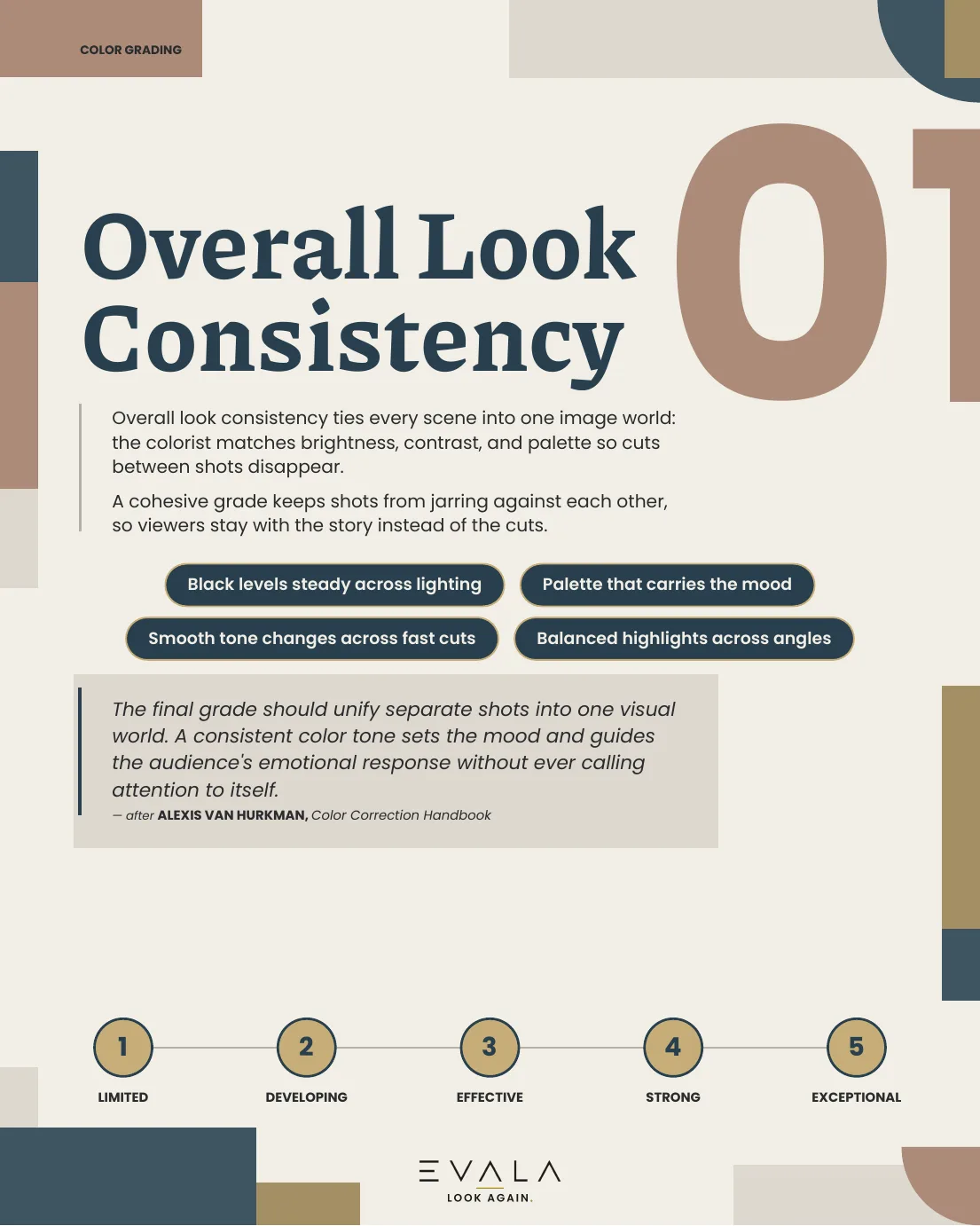
- 01Overall Look Consistency free sample
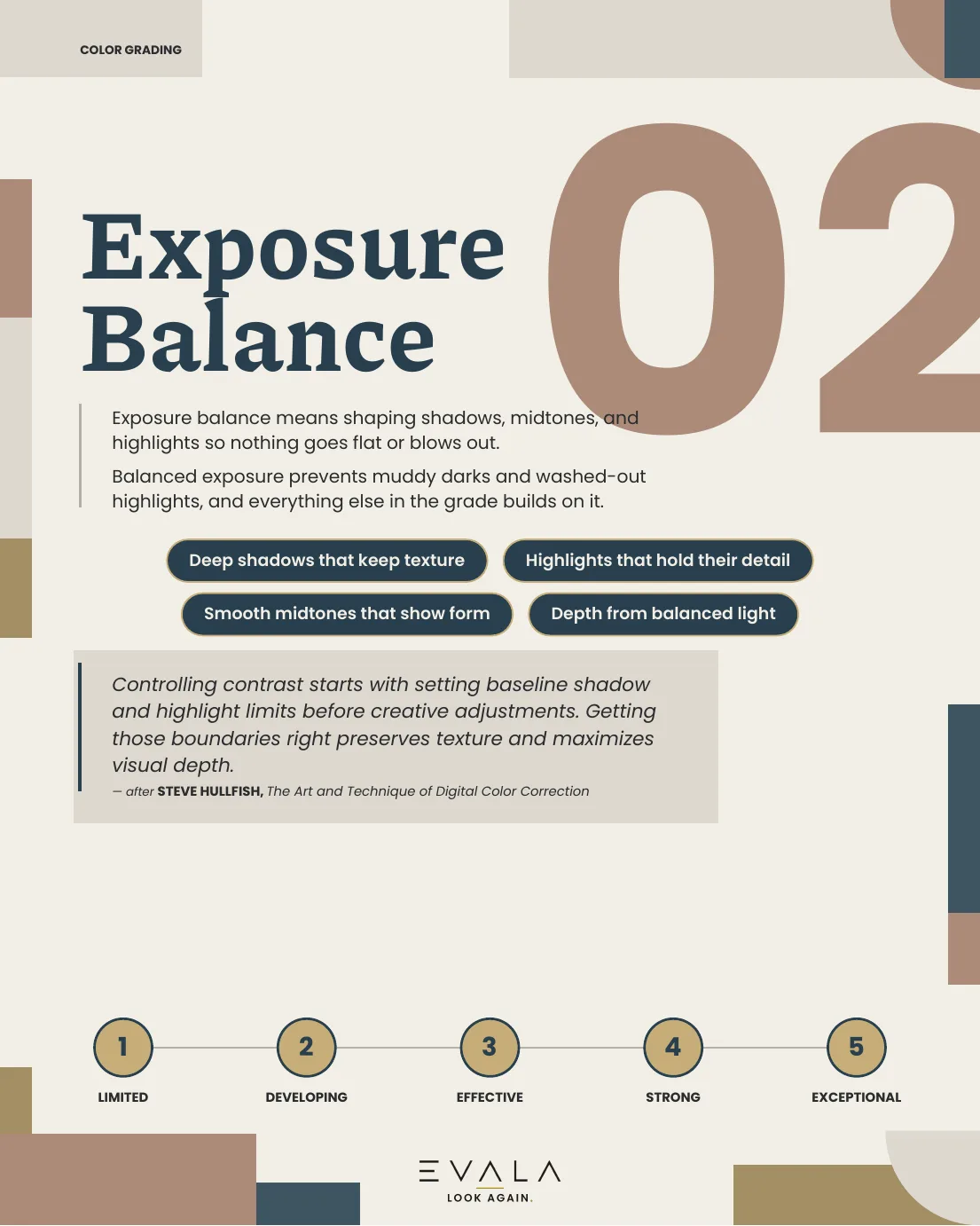
- 02Exposure Balance free sample
- 03White Balance
- 04Shot Matching
- 05Skin Tone Authenticity
- 06Selective Color Adjustments
- 07Creative Look
- 08Guiding the Eye
- 09Color Space Management
- 10Delivery & Broadcast Prep
Free sample
The first two concepts, straight from the guide.
This is what every concept page looks like. Click a page to view it full size.
In practice
From vague reaction to useful note.
The guide gives you the words for what you noticed. Here is one note, before and after. It is an illustration, not a real client note.
The vague note
“The color feels off.”
With the guide
- Name the concept. This falls under Overall Look Consistency.
- Check the list. “Tones that shift smoothly, even through a fast sequence of cuts.” The warm kitchen cuts to a cold hallway for no reason.
- Rate it. 2 out of 5: exposure and color casts shift noticeably between cuts.
The useful note
“The cut from the kitchen to the hallway jumps from warm to cold and pulls the eye. Bring the hallway’s white balance and contrast closer to the kitchen so the two read as one look.”
Free and paid
Start free. Buy the full guide only if it helps.
Two ways to try it first, then the full guide.
Free
Fast Check
- A one-page version of the framework
- Sent to your email straight away
- Fill it in on screen or print it
Free
Online preview
- The first two concepts, as on this page
- Reads well on a phone or laptop
- No sign-up needed
Full guide
€8.99 €15
VAT calculated at checkout
- All 10 concepts, each with a checklist and 1 to 5 scale
- Fillable PDF with a score summary page
- Link to the full online edition
- One-time payment
Formats and limits
What you get, and what it will not do.
The guide comes as a PDF and an online edition.
- The PDF is fillable. Pick a rating on each concept and the score summary fills in.
- Automatic scoring works in Adobe Acrobat and Acrobat Reader. Other viewers let you fill in the ratings but do not add them up.
- The online edition reads well on a phone or a laptop.
- Every page prints in color or black and white.
- The score helps you compare drafts. It does not decide whether a grade is good.
- Expert quotes are paraphrased and credited “after” the author.
Questions
Before you buy.
Anything else, write to lookagain@evalafeedback.com.
What is the EVALA color grading guide?
It is a feedback framework for color grading, sold as a PDF with an online reading edition. It covers ten concepts. Each has an introduction, a checklist of things to look for, a short explanation of why it matters, a paraphrased expert view and a 1 to 5 rating scale.
Is anything free?
Yes. The Fast Check is a free one-page version, sent to your email. The first two concepts are also on this page in full, and the online preview lets you read them the way buyers do.
What do I get when I buy it?
All ten concepts as a fillable PDF with a score summary page, plus a link to the online edition that reads well on a phone or laptop. It is a one-time payment.
Does the score calculate automatically?
In Adobe Acrobat and Adobe Acrobat Reader (free), yes. Most browser and phone PDF viewers let you fill in the ratings but will not add them up, so you would total the ten ratings yourself on the Final Score page. The online edition and printing both work without Acrobat.
Are the expert quotes word for word?
No. They are paraphrased and credited as “after” the author, so you can trace the idea to its source without treating the wording as a direct quotation.
Does a high score mean the grade is good?
No. The score is a way to organize your own judgment and compare drafts of the same grade. It cannot replace taste, context or the director’s intent.
Who made this
Look again at your next grade.
Read the free sample, then get the full guide
for €8.99 when you are ready.
VAT calculated at checkout